

Dvizh crypto exchanger — when card payouts run and reserves matter
Dvizh crypto exchanger review: check card hours, live limits, reserve, AML and verification rules before choosing a crypto-to-card or cash payout route.

Exchanger Guides Writer
Claire WhitfieldI write for people who want to understand an exchange before they send the money, not after.
11 min read
Dvizh crypto exchanger serves card, cash and payment-service
routes rather than operating as a trading venue. Its clearest use case is  USDT
TRC20 to
USDT
TRC20 to  Monobank or
  Privat24, with the receive amount shown before payment.
UAH card payouts run daily from 08:00 to 23:00 Kyiv time, so it is not a fit
for a late-night card order. The feed also includes several USDT networks,
crypto-to-crypto pairs and cash desks. We compared Dvizh's feed, form and
published terms so the rate, payout window and document checks are clear
before a transfer.
Privat24, with the receive amount shown before payment.
UAH card payouts run daily from 08:00 to 23:00 Kyiv time, so it is not a fit
for a late-night card order. The feed also includes several USDT networks,
crypto-to-crypto pairs and cash desks. We compared Dvizh's feed, form and
published terms so the rate, payout window and document checks are clear
before a transfer.
What did we check at Dvizh on 14 August 2026?
Our sources were the XML feed, rules, FAQ, AML/KYC policy and the USDT TRC20 →
Monobank form. For 500 USDT, the form showed a
22,360.83 UAH receive amount alongside the rate, limits and a
payment timer of about 30 minutes.
Details for cash pickup, Wise and new-card verification come from Dvizh's published material. Rates and limits can move, so the dated figures below are useful reference points rather than permanent quotes.
What stands out about Dvizh's terms and service?
Pros
- Feed snapshot dated 14 Aug 2026 records the available rails, limits and reserves used for this review.
- The order form is available without signing in first
- USDT on five networks: TRC20, ERC20, Polygon, Arbitrum, and
 Solana
 - The form shows the order range and receive amount before payment
- The feed includes cards, crypto-to-crypto, cash and international payment services
Cons
- Hryvnia cards pay out 08:00–23:00 Kyiv time; the cash desk is weekdays only
- Cancelling an already-paid order costs 5% plus the payment-system fee
- AML review or a new-card check can trigger document requests
What does the Dvizh interface show before an order?
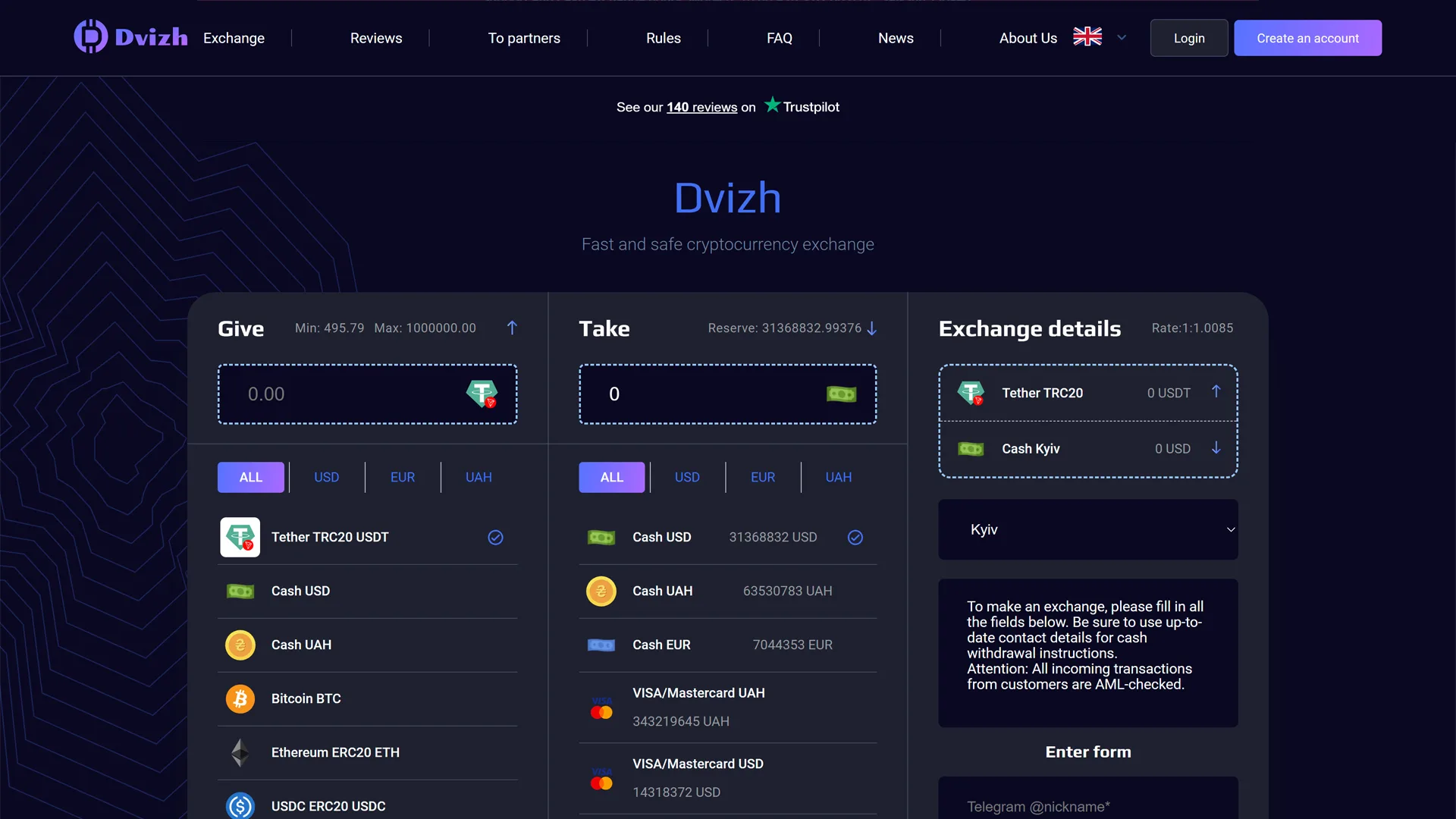
The Dvizh homepage opens on a two-column form for the asset sent and the payout method. Available reserve appears beside the currencies, making it possible to rule out an undersupplied route before entering card or contact details.
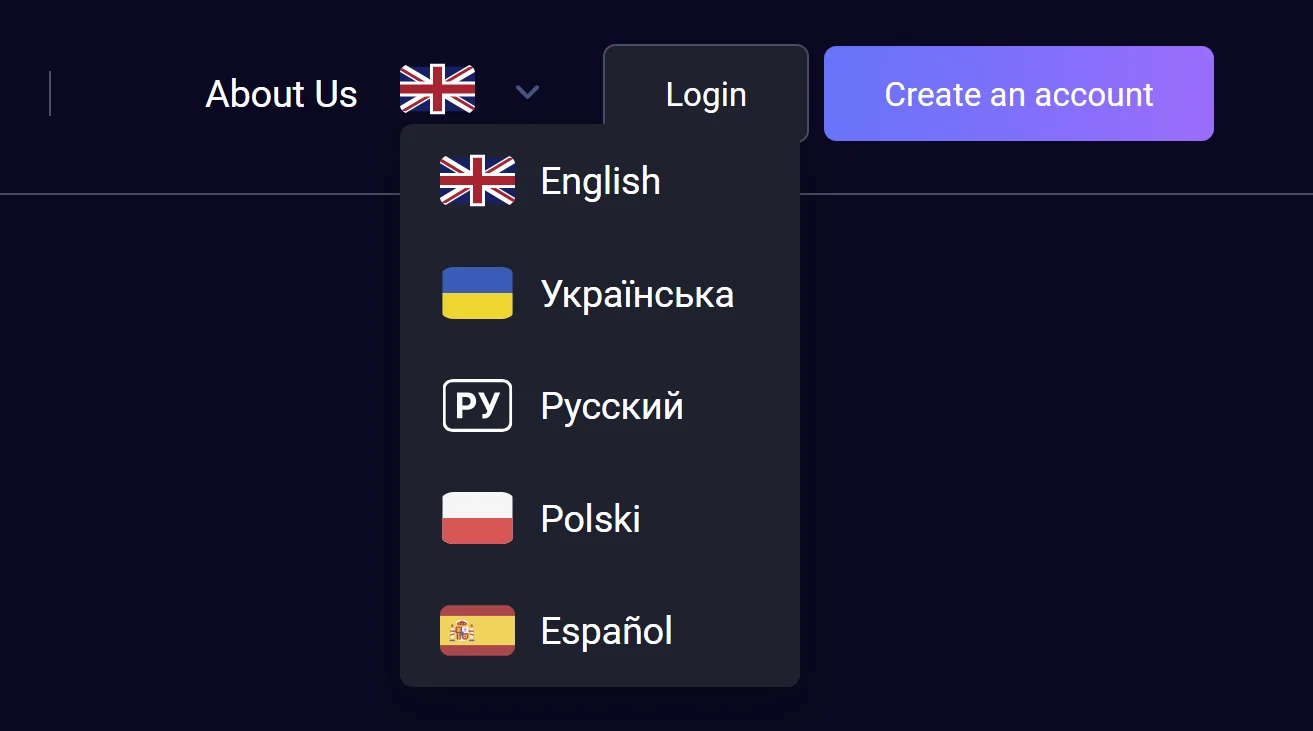
The language menu lists English, Ukrainian, Russian, Polish and Spanish.
Network labels and payment brands remain recognisable across versions, which
matters when distinguishing TRC20 from the other USDT routes.
A notice above the form separates the card-payout window from support and cash-desk hours. The captured notice uses the Ukrainian interface, but the times themselves explain when an order can be handled and are relevant in every language version.

Which directions appeared in the Dvizh feed?
Dvizh listed 248 unique pairs across Ukrainian cards, cryptocurrencies, cash and international payment services. The feed used 18 input codes and 40 output codes. Its 808 rows also counted cash routes separately by city, which is why that total is higher than the pair count.
USDT was listed on TRC20, ERC20, Polygon, Arbitrum and Solana, while  USDC
appeared on ERC20, Polygon and Solana. UAH outputs included Monobank,
Privat24,
USDC
appeared on ERC20, Polygon and Solana. UAH outputs included Monobank,
Privat24,  A-Bank,
  Oschadbank,
  PUMB,
PUMB,  Raiffeisen Bank,
  UkrSibbank,
  Izibank,
 Sense Bank and a general UAH card route. Current availability and receive
amounts should be checked on the relevant pair page:
Sense Bank and a general UAH card route. Current availability and receive
amounts should be checked on the relevant pair page:
Wise, Skrill, Payoneer, SEPA and BLIK were present too. A dated list is not a permanent menu: check the selected pair for its current rate, limits and reserve.
How should you read Dvizh limits and reserve?
Reserve is the amount available for a particular direction. On 14 August, the
USDT TRC20 to Monobank form accepted roughly
89.53–2,215.66 USDT; both limits can change with the rate and
liquidity.
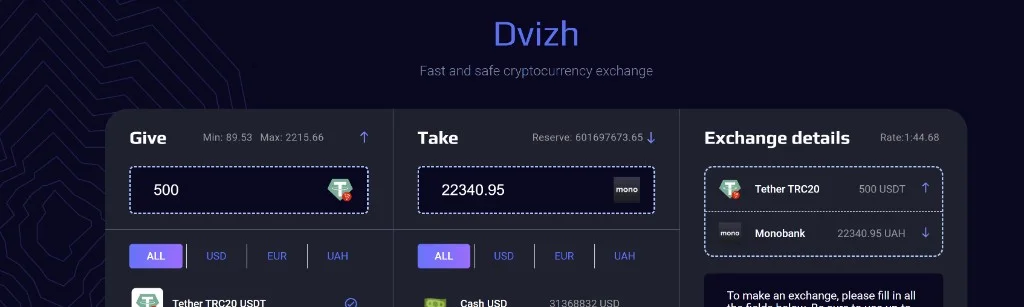
For an amount above the displayed maximum or reserve, the FAQ directs the customer to support. Confirming the amount in chat or through the Telegram bot is the practical next step before opening a larger order.
What rate does Dvizh show for USDT TRC20 to Monobank?
The Dvizh form calculated 22,360.83 UAH for 500 USDT TRC20.
The widget had shown 22,340.95 UAH, while OnExchanger displayed the same
22,360.83 UAH figure as the form.
The dated comparison below shows how the widget, form and OnExchanger table lined up:
| Source | Receive amount | Rate / note |
|---|---|---|
| Dvizh widget | 22,340.95 UAH | 1 USDT = 44.68 UAH |
| Dvizh order screen | 22,360.83 UAH | 1 USDT = 44.72 UAH |
| OnExchanger | 22,360.83 UAH | Snapshot for the same ticket |
The service cost is built into the displayed rate. Dvizh referenced MEXC pricing and noted that a move above 0.1% could change the calculation. Compare offers by the final receive amount at the same moment.
When does Dvizh process card and crypto payouts?
UAH and KZT card payouts run daily from 08:00 to 23:00 Kyiv time, while crypto-to-crypto routes are available around the clock. The FAQ gives 10–15 minutes as a guide; the form says 15–20 minutes and notes that heavy P2P traffic can stretch this to 1–2 hours.
The rail determines which clock applies:
| Operation | Published window |
|---|---|
| Crypto → crypto | 24/7 |
| UAH and KZT cards | Daily, 08:00–23:00 Kyiv time |
| Cash desk | Mon–Fri, 10:00–19:00 |
| FAQ support hours | 10:00–19:00 UTC+2, as published |
The roughly 30-minute clock shown in the form is the payment window, not a universal payout promise. For a card route, read it together with the estimated processing time and the 23:00 closing time.
Do you need an account or KYC for Dvizh?
You can start the USDT TRC20 → Monobank form without an account. Dvizh may
still verify a new card or request documents when its AML checks flag a
transaction.
The AML policy sets a 50% Risk Score threshold. A paused transaction can lead to requests for ID, a selfie, address, source of funds, transaction-history screenshots and proof of wallet control. The standard review window is 24–72 hours, with complex cases taking up to seven business days. Dvizh does not publish separate numerical limits before and after verification.
How does a Dvizh order work?
The form moves from the current quote to a payment address and an approximately 30-minute timer. Check the network, amount, card and receive figure before using the displayed details; cancellation after payment can carry a cost.
Our form walk followed these steps:
- select USDT TRC20 and Monobank, then enter 500 USDT;
- provide your own card, email and Telegram contact;
- review the rate, receive amount and payment timer;
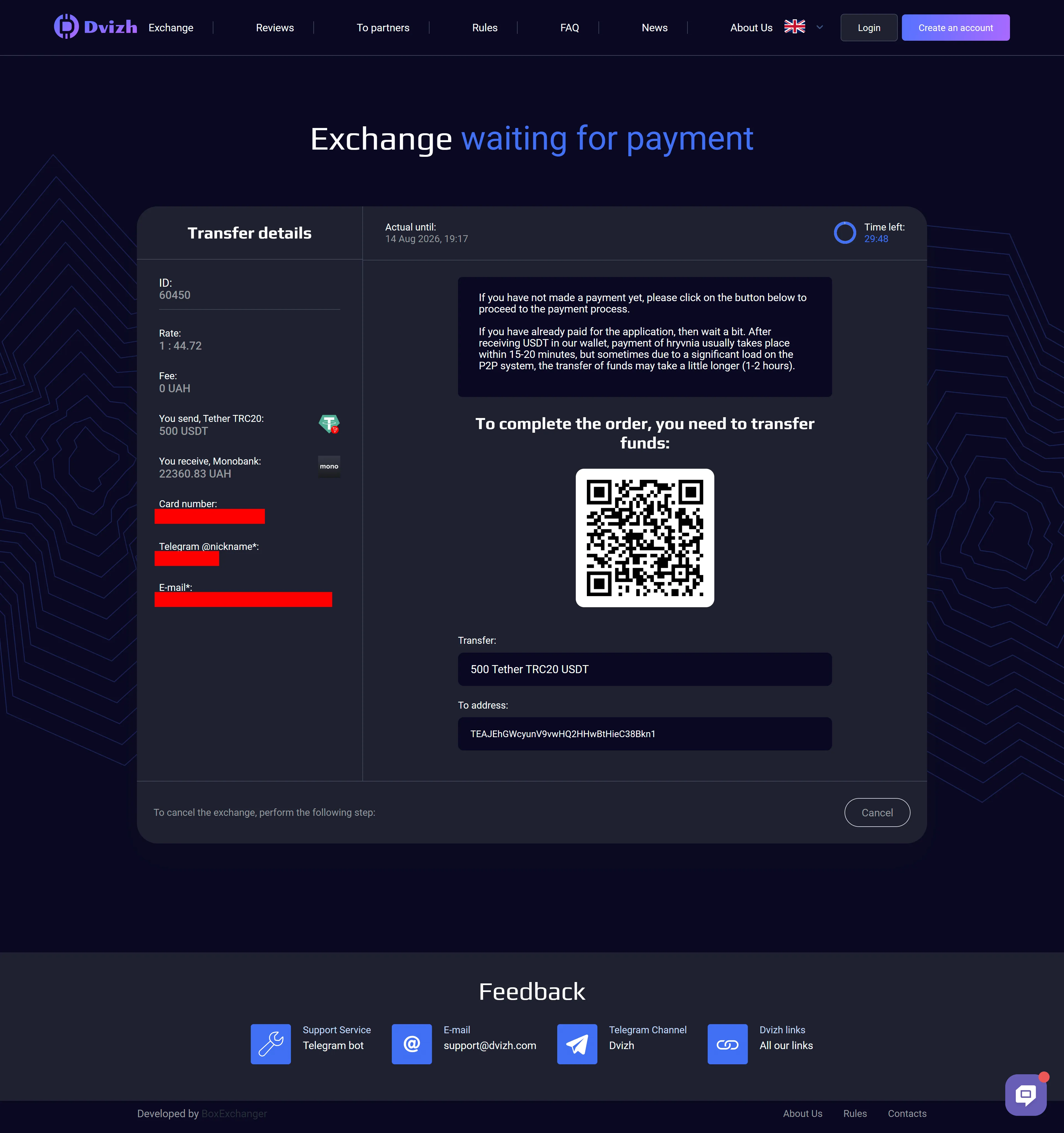
- copy the address or QR code for the TRC20 network;
- after payment, follow the order status on the website.
The network check is the critical one: USDT TRC20 must not be sent to an ERC20
or Solana address. Orders should be opened only through the website, not from
payment details supplied in a private message.
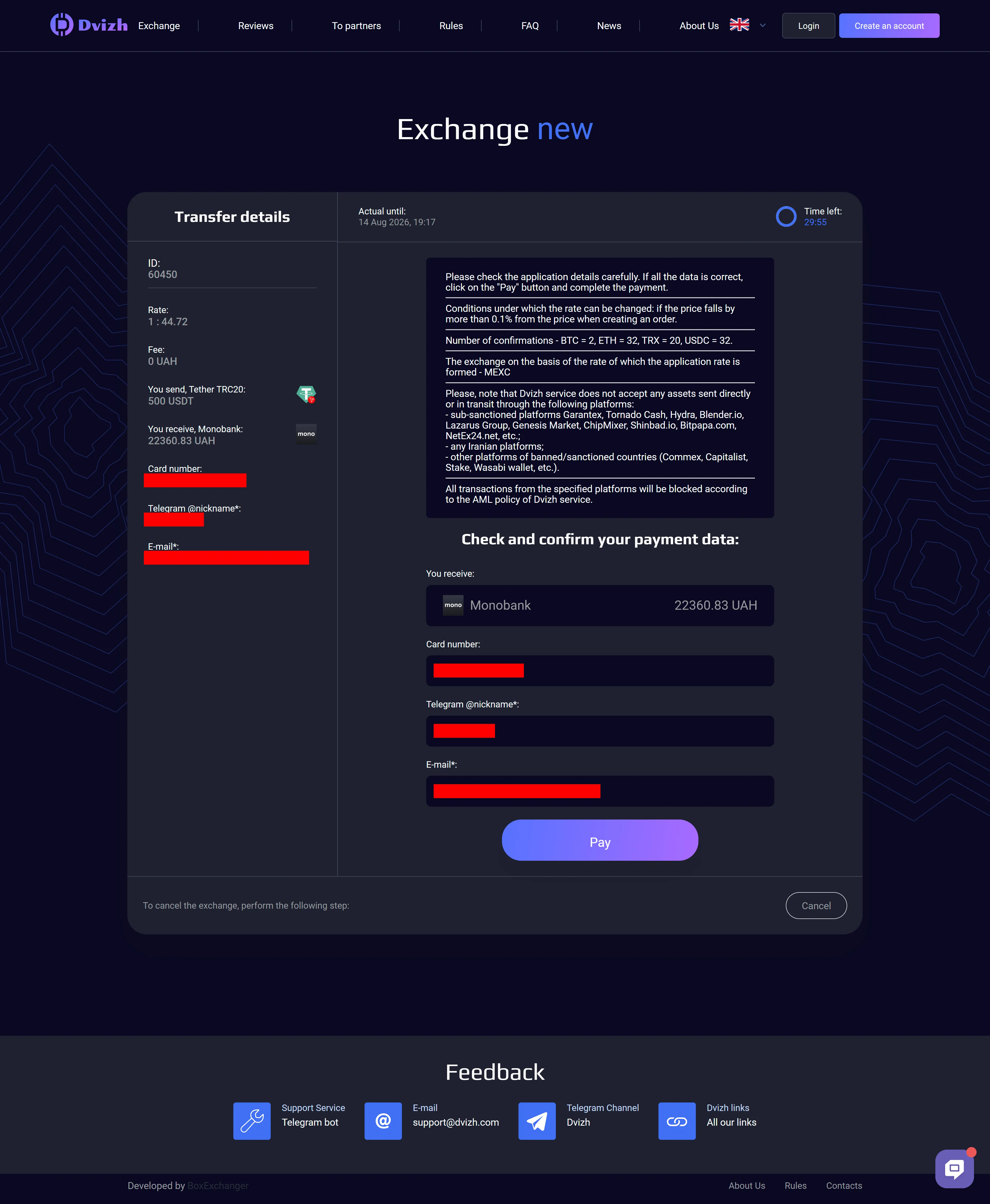
The next screen places a QR code beside the text address while retaining the status and timer. Scanning avoids a manual copy, but the wallet network still needs to be checked against TRC20 before the transfer is approved.
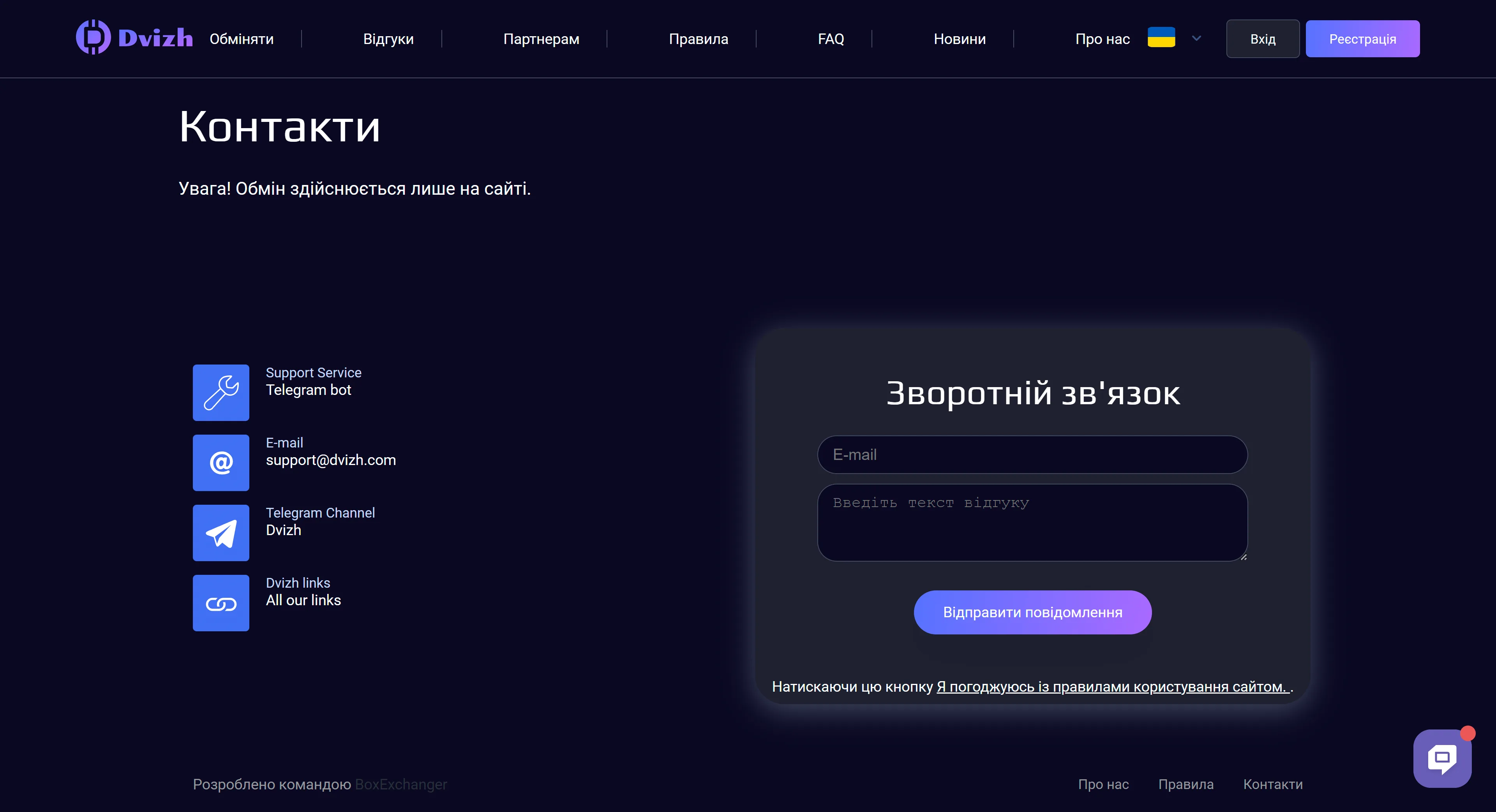
“Exchange only through the website.” — warning on the Dvizh contact page.
You can first
compare USDT TRC20 to Monobank receive amounts, then
open Dvizh through the partner redirect.
What do we know about Dvizh cash desks?
The feed listed CASHUAH, CASHUSD and CASHEUR across 24 cities. Published desk hours were Mon–Fri, 10:00–19:00, and amounts above reserve should be arranged through chat or the Telegram bot.
Cash arrangements are confirmed individually, so agree the city, amount, appointment time and meeting procedure with the operator before travelling.
Where can a Dvizh order stall?
AML review, incorrect payout details, the payment window and new-card checks are the terms most likely to require extra attention. Cancelling after payment costs 5% plus the payment-system fee. Where the AML-return clause applies, the deduction can reach 5%, capped at 100 USD; if the check finds no link to crime, the policy mentions only the network fee.
Incorrect details should be reported promptly through chat, [email protected] or the official Telegram bot. If the customer remains silent for seven days, the rules allow the service to retain the assets. Keep the order number and transaction hash until the payout is complete.
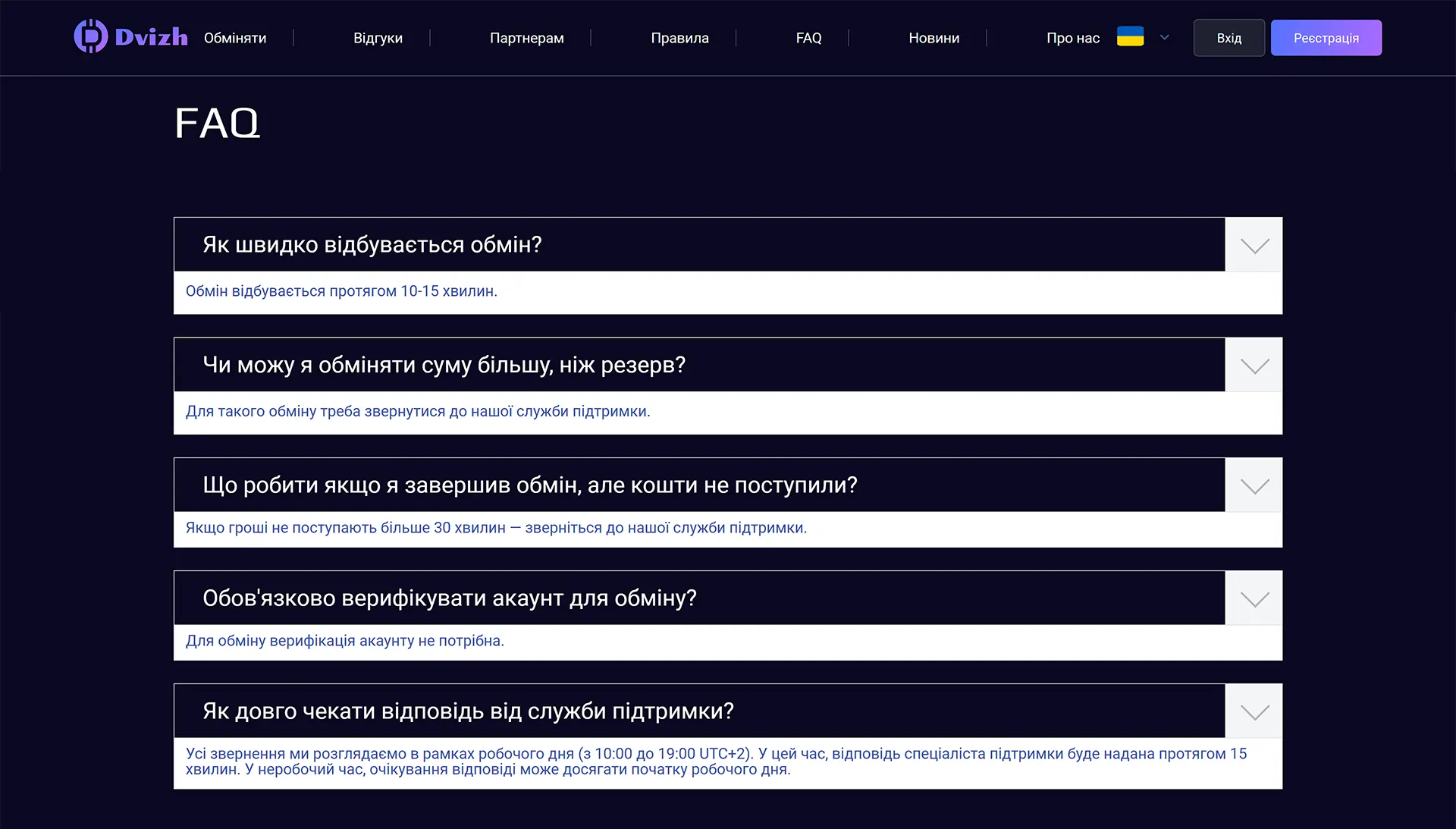
The Ukrainian FAQ screenshot contains practical entries on timing, verification, larger amounts and contacting support. English-language users can still verify the same service structure, while case-specific questions should go to the channels listed on the contact page.
Is a Dvizh account worth creating?
An account adds order history, 2FA, affiliate tools and API access, although it is optional for starting a one-off order. Registration asks for an email, first and last name, and a password; the confirmation link remains valid for 24 hours.
-
Complete the form
Open the Dvizh registration page, enter your email, first name, last name and password, or use Google.
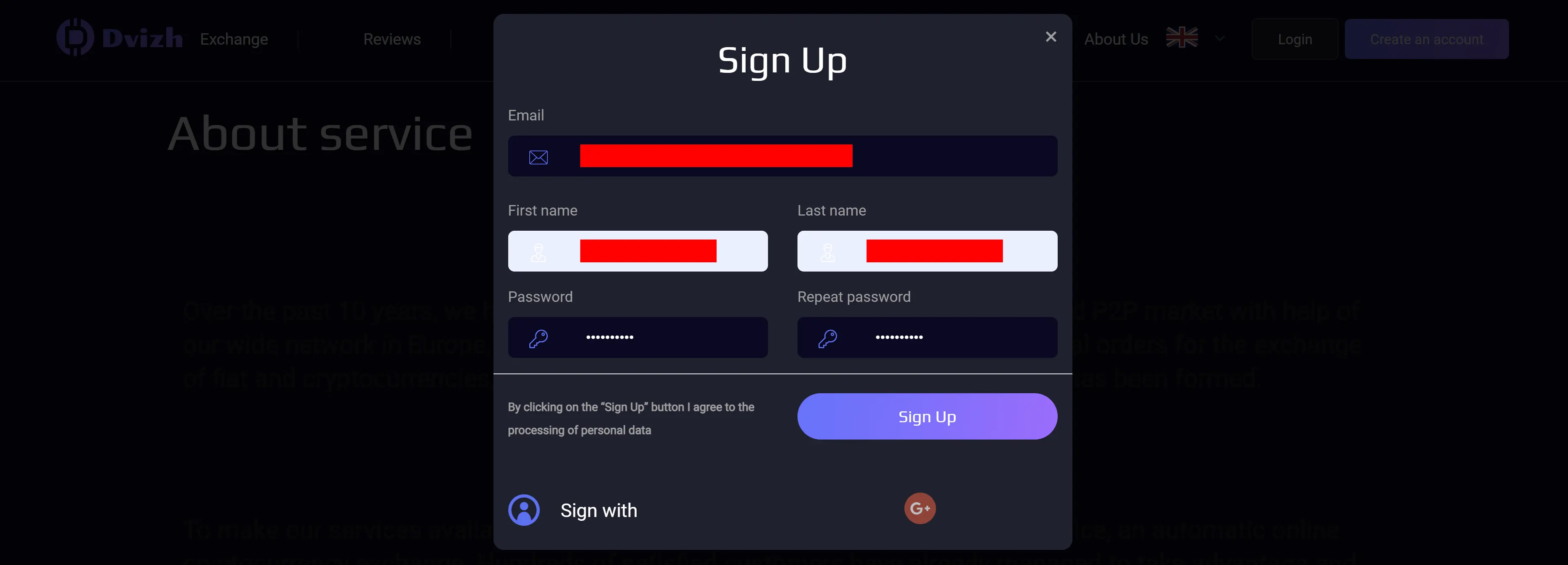
Signup starts with contact details, a password and data-processing consent -
Confirm the email
Follow the link in the message within 24 hours.
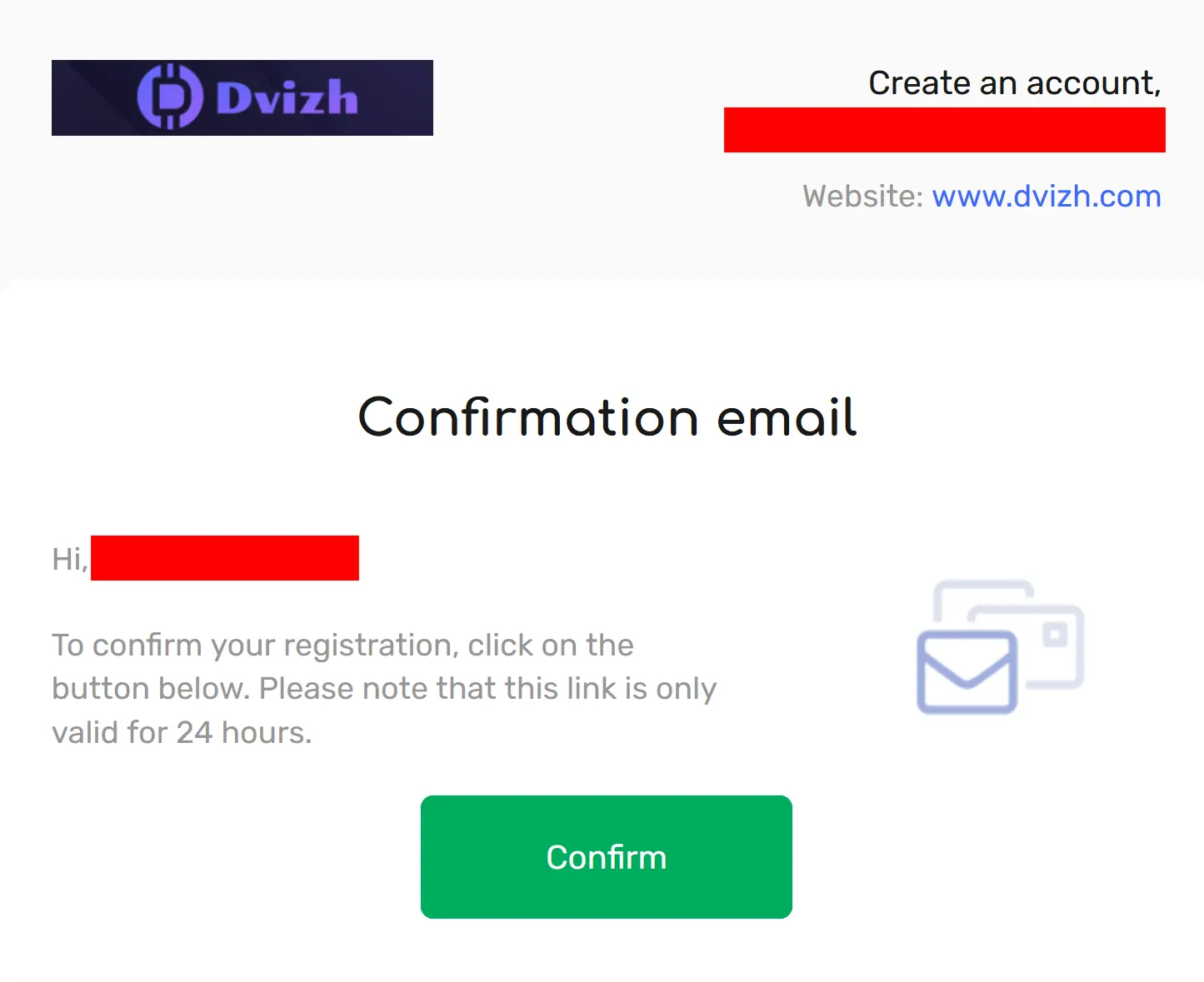
The activation message states a 24-hour confirmation window -
Wait for activation
After the email link opens, the site confirms that the account is active.
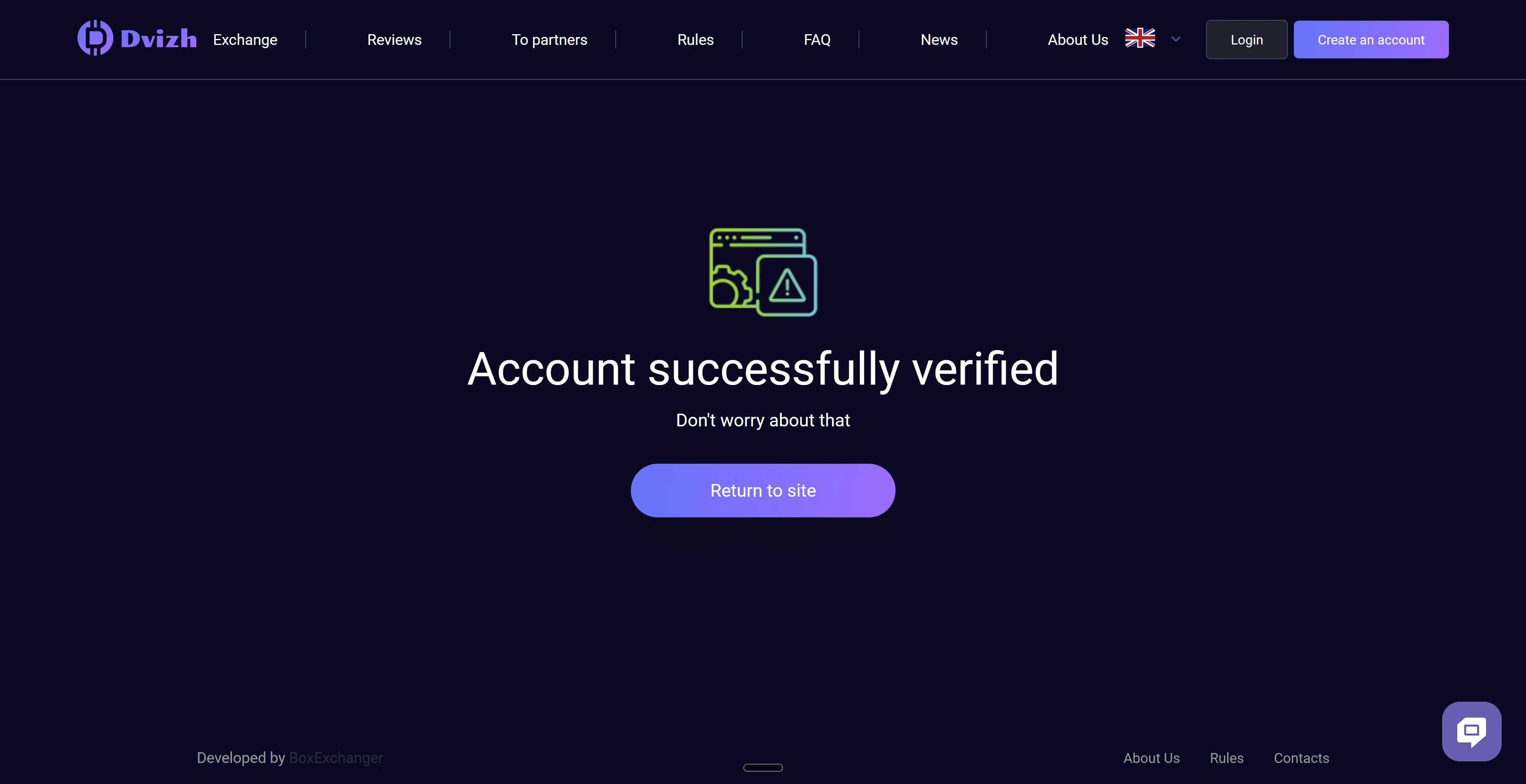
Email confirmation activates the account before the first login -
Sign in
After activation, use email and password or Google sign-in.
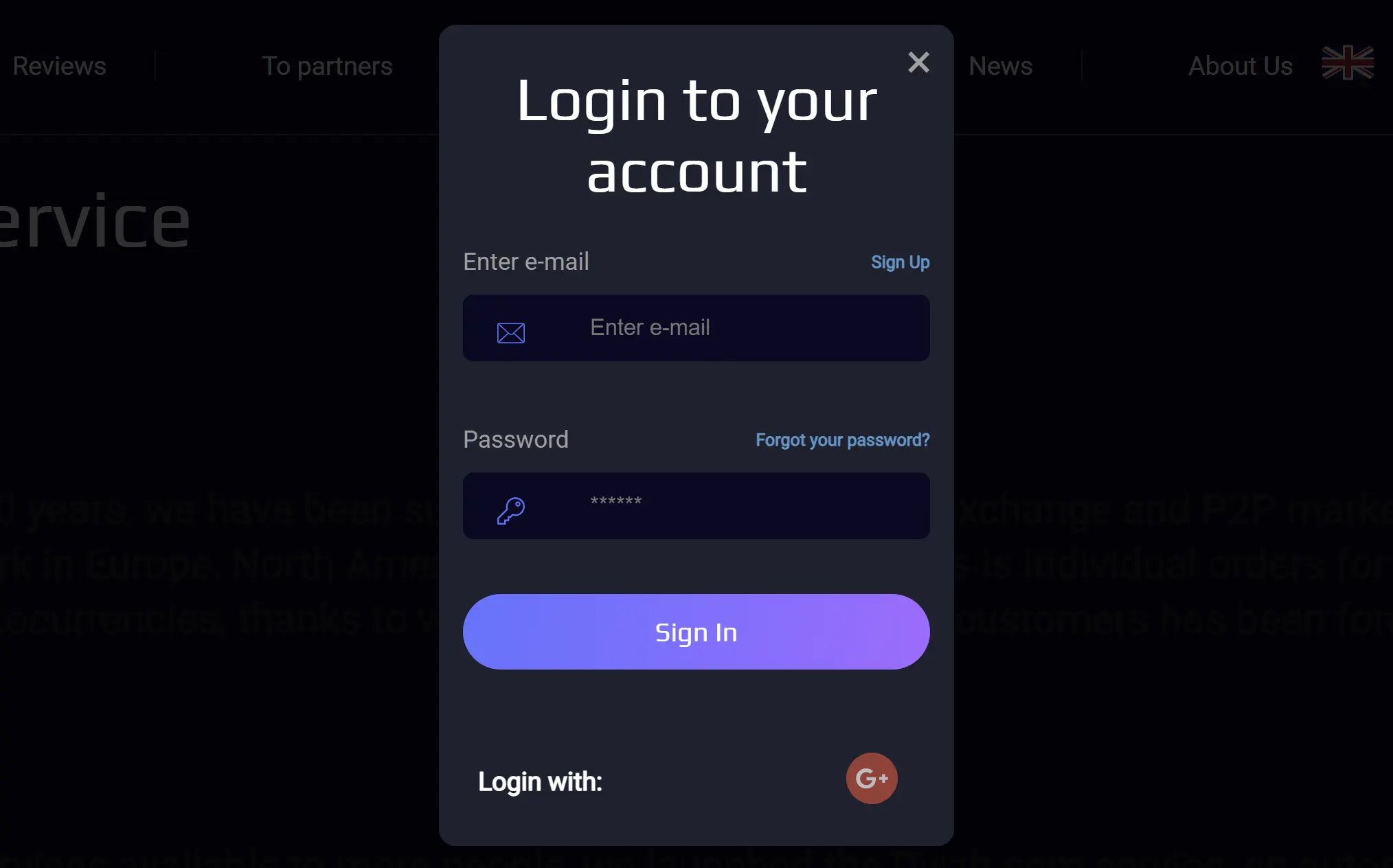
Activated accounts can use credentials or the Google sign-in option
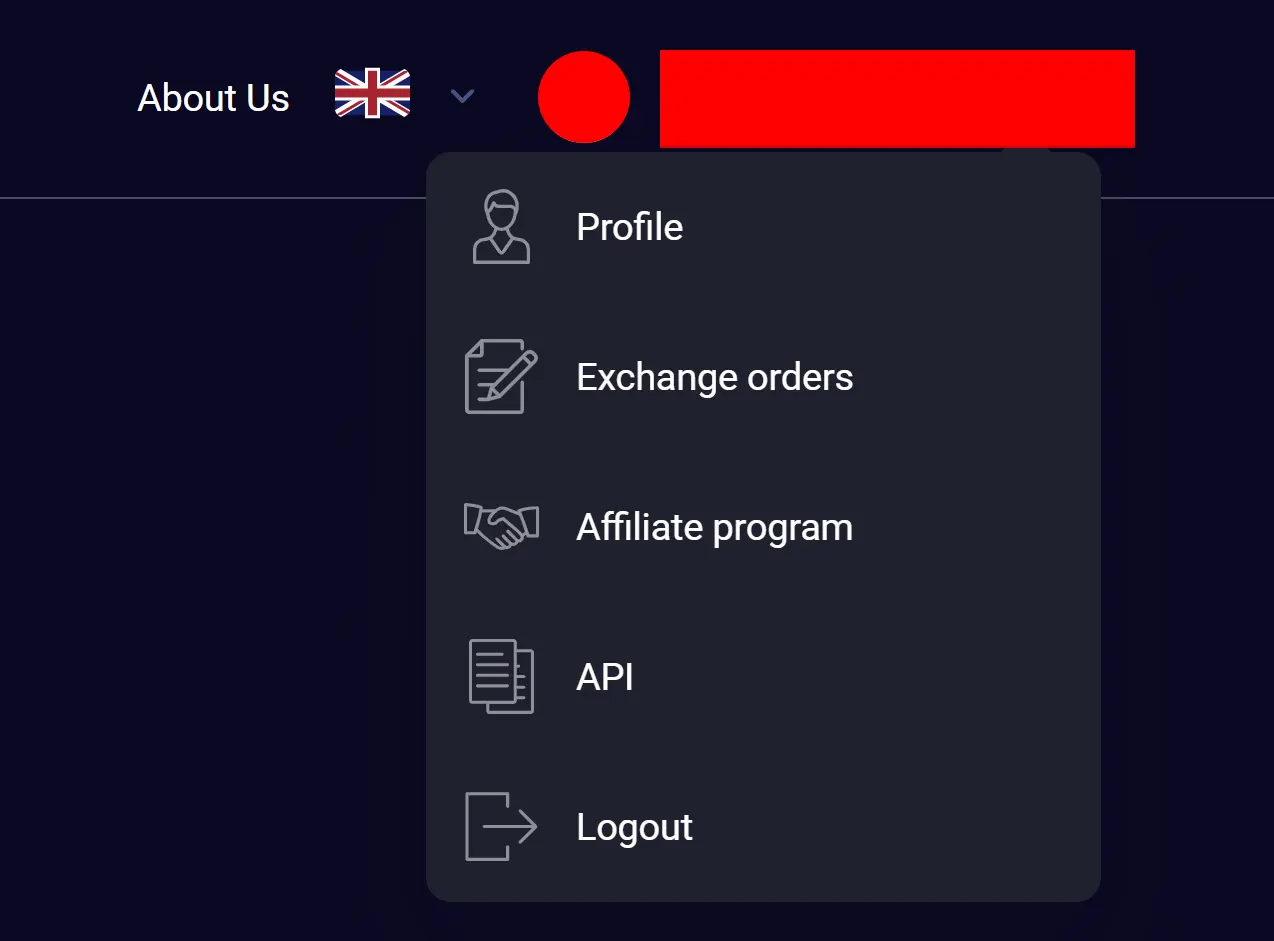
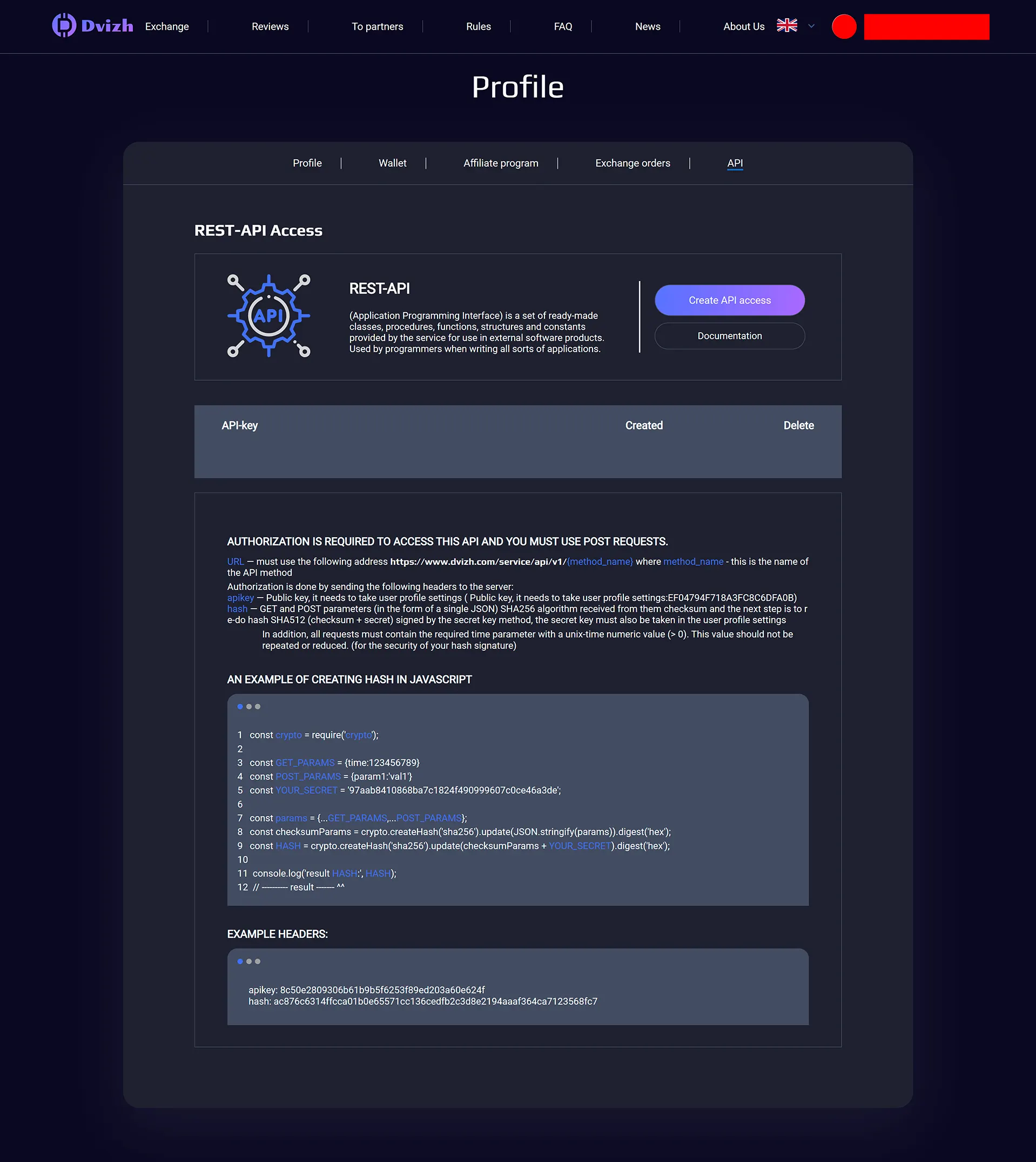
The dashboard contains Profile, Exchange orders, Affiliate program and API. It helps returning users, but it does not alter the rate or bypass card and AML checks.
The account menu links directly to the profile, orders, affiliate programme and API. These are separate working areas rather than extra stages in the card-order form.
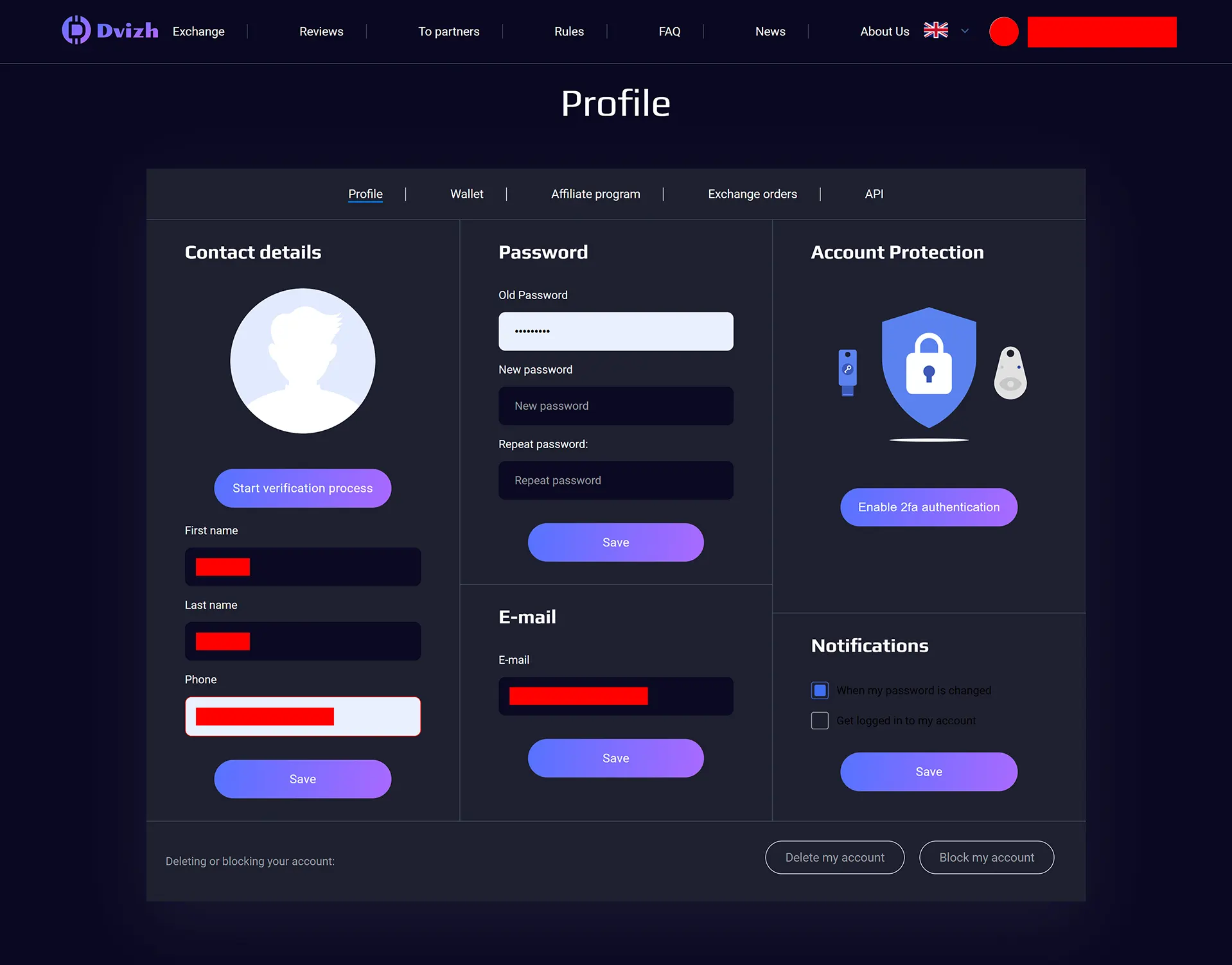
Profile controls cover email and password changes, optional 2FA and login notifications. A verification-start control is also visible; its presence does not make advance KYC mandatory for every ordinary order.
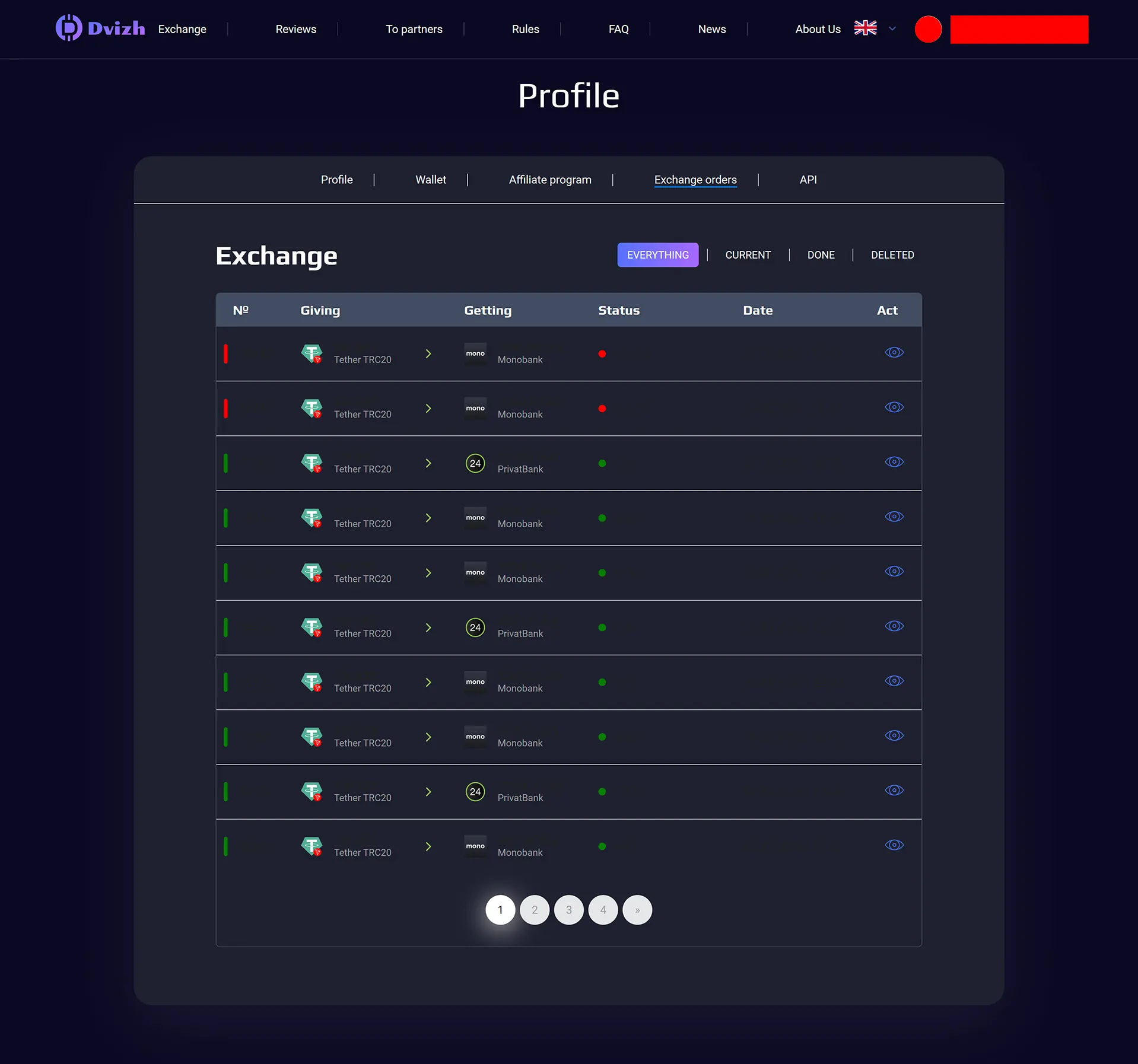
Order history is split into current, completed and deleted tabs. Repeat users can see the route and state in one list instead of reconstructing an order from confirmation emails.
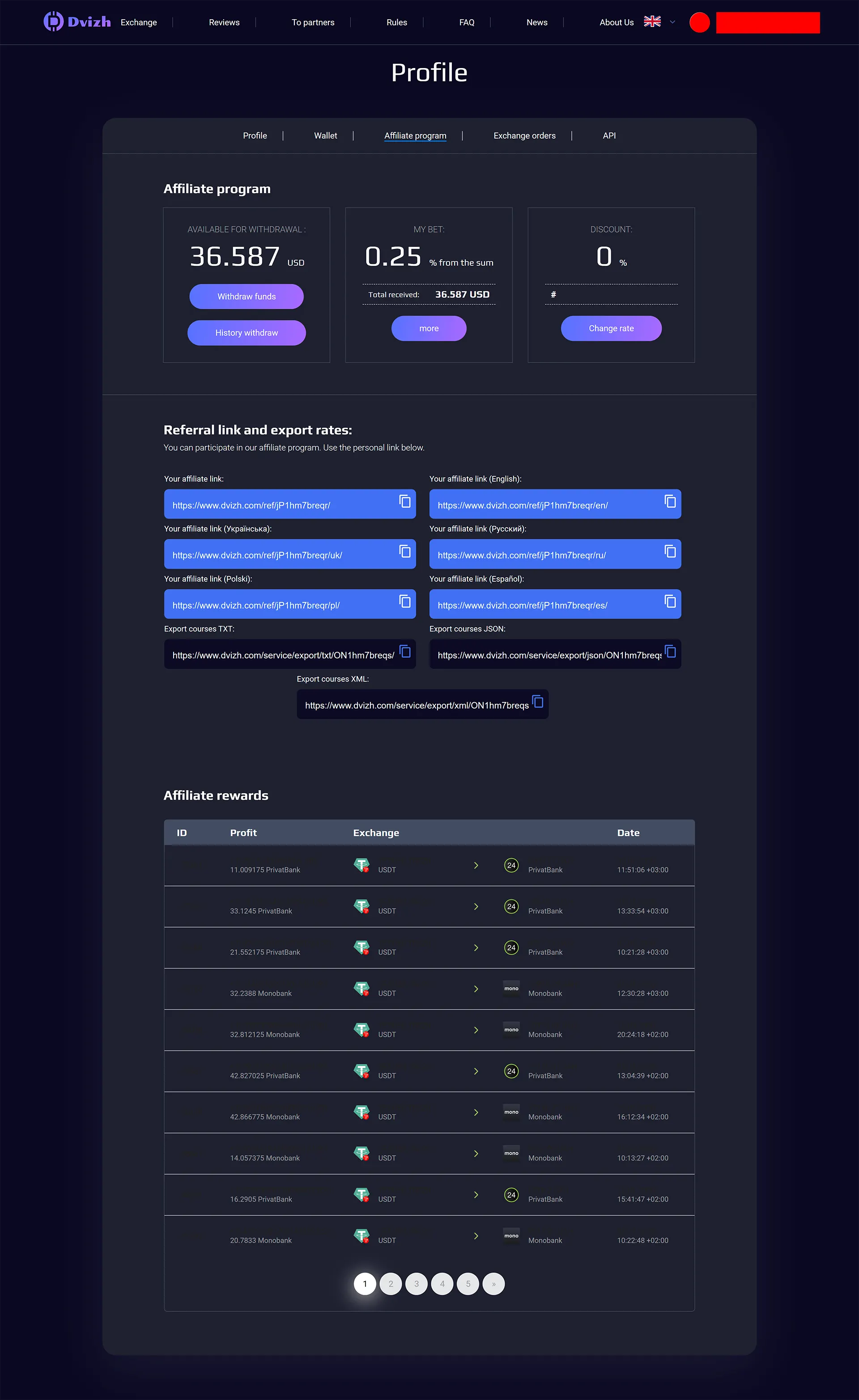
The captured affiliate page displayed a 0.25% rate for this particular account, along with balance, history, locale-specific links and data exports. It is evidence of the cabinet controls, not a public rate promised to every customer.
The API area offers access creation and a link to the REST documentation. This is aimed at integrations and automated reporting; a normal card order does not require API access.
Who is the Dvizh crypto exchanger for?
Dvizh suits customers whose pair is live, whose amount fits the displayed
range and who can use the relevant operating window. Five USDT networks, a
visible receive amount and optional signup make the service practical for card
and crypto routes; cash has weekday hours, and a new card or AML flag may
bring a document request.
Check the live receive amount and competing offers before transferring. The online exchanger catalog provides alternatives when Dvizh’s rate, reserve or operating window does not suit the order.
FAQ
Dvizh is an online exchanger. Customers create an order at the displayed rate without an order book and receive payment details only on the website.
Compare live receive amounts
OnExchanger shows what you get — then you leave to the partner.


